Overview
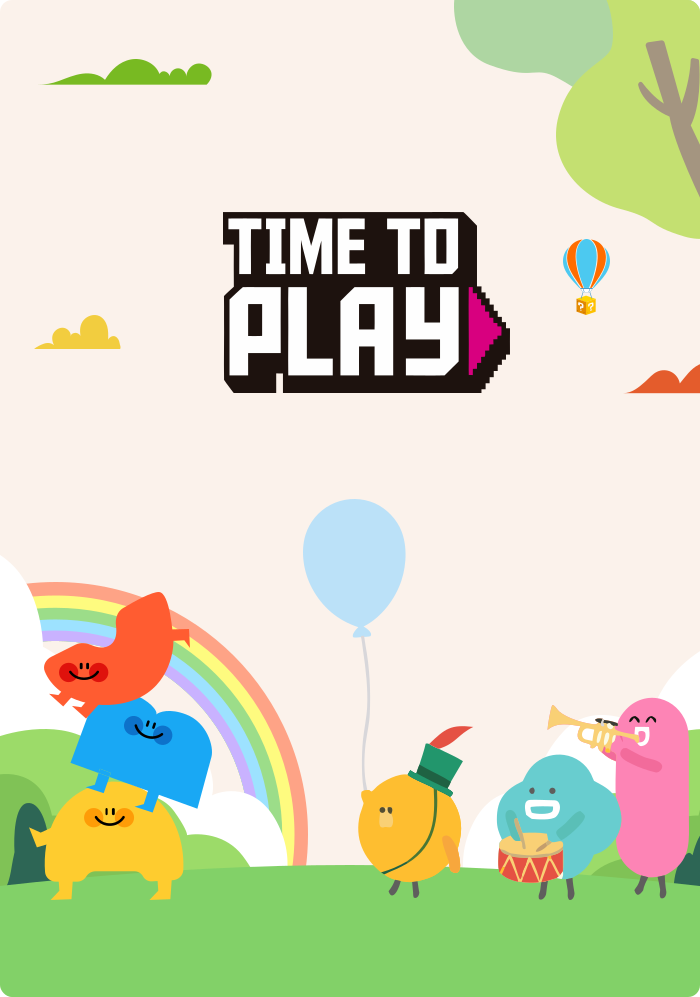
Making learning feel like play.
Young children learn differently. They explore, experiment, listen, recognize patterns, make mistakes and try again.
The challenge was to create an educational gaming experience that could turn foundational learning into something interactive, intuitive and enjoyable, without compromising the educational objectives behind each activity.
I designed a collection of interactive learning games from scratch for children from Pre-K to K2, alongside a connected teacher and administration platform.
The ecosystem brought together child-friendly learning experiences, flexible game and question management, and detailed student performance reporting.
The objective was to create a complete learning environment where children could learn through play, teachers could manage learning activities independently, and administrators could understand how students were progressing.
The Challenge
For children
For teachers
For administrators
Visual Design Direction
Playful for children. Professional for educators.
One of the key design decisions was to avoid using the same visual language for children and adults.
The children's experience needed to feel colorful, imaginative and welcoming. The management dashboard needed to feel professional, organized and easy to scan.
For children's games:
For the management dashboard:
Interactive Learning Games Arcade
Select any game tab below to play the live interactive Figma prototype directly inside the game screen.
Word to Image
1 / 10Visual Word Recognition • Tap arrows or swipe tabs above for more
Loading Word to Image Prototype...
Interactive Figma screen is initializing. Hover near the bottom-center of the screen to use the < 1 / N > arrows!
Teacher, Admin & Game Template Flows
Explore the interactive prototypes for creating new games, tracking student reports, managing platform users, and configuring game templates.
Create New Game
1 / 4Game Setup, Grade & Package Configuration • Tap arrows or swipe tabs above for more
Loading Create New Game Prototype...
Interactive Figma screen is initializing. Hover near the bottom-center of the screen to use the < 1 / N > arrows!
THE OUTCOME
From individual learning activities to a connected educational platform.
The result was an integrated learning ecosystem combining interactive children's games with the management and reporting tools required by educators and administrators.
FROM SCRATCH
A collection of educational games designed from scratch.
MULTI-FORMAT PLAY
Multiple interaction formats, including audio, matching, drag-and-drop and word-building activities.
GUIDED FEEDBACK
Structured instructions and feedback states.
ROLE-BASED ACCESS
A user management system with multiple roles.
GAME WORKFLOW
A configurable game management workflow.
SESSION REPORTS
Game-level reporting and session-level information.
STUDENT INSIGHTS
Visibility into individual student activity and performance.
The central achievement was bringing the learning experience and its management infrastructure together into one coherent product.
Rather than treating educational games, teacher tools and reporting as separate products, I designed them as interconnected parts of the same learning ecosystem.
REFLECTION
Designing for the people who learn, and the people who help them learn.
This project reinforced an important product design principle: a successful educational experience requires more than an engaging interface.
Children: need interactions that are easy to understand and enjoyable to explore.
Teachers: need tools that make managing educational content straightforward.
Administrators: need reliable visibility into how the platform is being used.
Designing for all three audiences required balancing playful interaction design with practical product functionality.
The most rewarding part of this project was taking the experience from the ground up, creating the game interfaces, defining interaction patterns and connecting them to a management system that supports the broader learning experience.
My takeaway:Good educational product design makes learning feel effortless for children and gives educators the control and visibility they need behind the scenes.